SecureByDesign-Playbook
The Playbook
stateDiagram
   Assets&Uses --> SecurityPicture
   Networks&Access --> SecurityPicture
   Threats --> SecurityPicture
   SecurityPicture --> AssessingTheRisks
   DefenceOptions --> ActionPlan
   AssessingTheRisks --> ActionPlan
We will go through each of these in more detail below, but essentially that’s the playbook to follow.
We have broken down the big problem of “Cyber Security Risk Assessment” into smaller component problems that you can focus on and then assemble into the security picture, but bear in mind that each component cannot be done well in complete isolation so be aware of the bigger picture as you work.
To help this we strongly recommend going through it once - quickly and scrappily - to learn, and then again more carefully and smartly to be more thorough, and then again more deeply until it becomes routine and mostly automatic.
Overall
- Prepare!
- Assess the situation; identify:
- The assets that we will protect, how they are used, and what the impact would be if they were affected
- The ‘space’, or the networks, that the assets are stored in and the routes they move around on
- The adversaries that are interested in attacking our assets and the threats they pose
- Put these together to see where these threats might access which assets through what parts of the network - our security picture, including what courses of action attackers might take to affect our assets.
- Work out what areas need better defences, and in what ways so you don’t accidentally shoot yourselves in the foot.
- Compare the costs and benefits of the options, and select suitable ones to add.
Once these new defences are included, or planned, then re-assess the situation, and continue on more deeply and thoroughly as you go.
Prepare
‘Scope’ what you are examining: what are you responsible for, and what are you not? Start small and grow. Be ready to record and track what you are finding out; we provide some starter material.
Quick-Start Prepare - Prepare Smartly - Deep Prepare
Assets & Uses
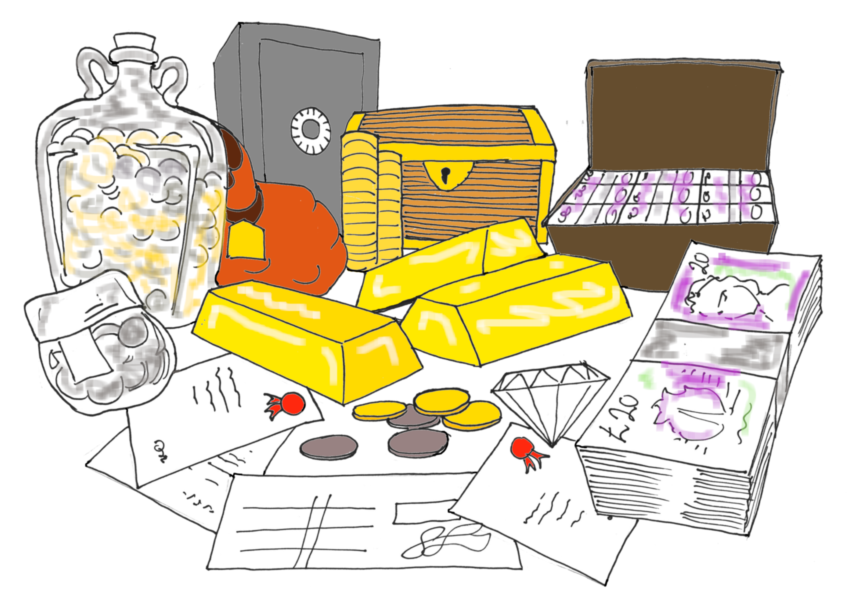 Identify your assets (devices, people, information, reputation, etc) and what they are used for. What impact would it have on you if they were stolen (nicked), disabled or broken (bricked) or corrupted (tricked)?
Quick-Start Asset Register - Smart Assets - Deep Dive into Assets
Cyber Space, Networks and Access
Where are your assets located? How do they move from stores to where they get used? How and where does information interact with people? What existing **defences are in place, and where?
Quick-Start Cyber Space - Smart Network Mapping - Deep Monitoring
 Threats
Who are the active adversaries - the people and groups - that might attempt to nick, brick or trick your assets? How good are they, and how likely are they to attack?
Quick-Start Threats Guide - Threat Assessment - Threat Profiling
Security Picture
Let’s now put these together to see how these threats might navigate this network to affect these assets. What defences are already in place?
Quick-Start Security Picture - Assessing the Situation - Understanding the Security Picture
 Defence Options
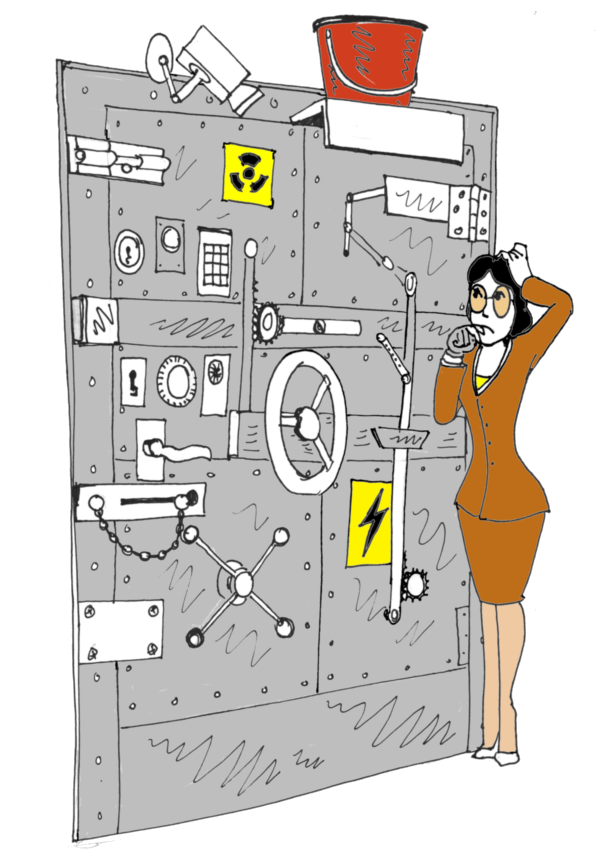
What can you do to prevent attackers from accessing your systems? How can you monitor to see if any get in? What responses should you prepare?
Quick-Start Defences - Defence Options - Understanding Defence
 Assess the Risks
What are the risks right now? What is the Risk Appetite - how much impact can you put up with? What are the options for defence? how do those costs weigh against the risks?
Quick-Start Risks - Formal Risk Assessments - Understanding Risk
 Action Plan
We use the Risk Registry from the Risk Assessment to prioritise the defences for those places that have the assets that are particularly vulnerable to the relevant threats, and that have high impacts if affected.
Quick-Start Action Plan - Formal Controls - Security Activities
… and … again!
Plan out your next run through the playbook, this time focussing perhaps more on the areas that look vulnerable to attack that can cause you harm.
Once these are implemented and tested, we can recalculate the risks until we are satisfied that the risks are acceptable.